Simulation🏙️
City Builder
Build your own city. Manage resources and grow.
citybuildmanagement
Controls
Tap to place buildings

Play City Builder
How to Play City Builder
Simulation games replicate real-world activities. Take your time to learn the systems and enjoy the immersive experience.
Controls
Tap to place buildings
City Builder Tips & Tricks
1
Start in beginner mode to learn the basics
2
Realism varies - adjust settings to your preference
3
Read tutorials if available - simulation games can be complex
4
Take breaks - long sessions can lead to mistakes
FAQ - City Builder
Are simulation games realistic?
They balance realism with fun gameplay. Some aim for photo-realism, others for arcade-style accessibility.
Do I need special equipment?
Mouse and keyboard work well. Some games support gamepads for enhanced control.
Is City Builder free to play?
Yes! City Builder is 100% free to play on Xavrito. No downloads, no signups, no payments - just open and play instantly in your browser.
Can I play City Builder on mobile?
Most games on Xavrito work on both desktop and mobile browsers. Touch controls are supported where applicable.
More Simulation Games

Simulation
🚌
Bus Driver Simulator 3D
Be a bus driver. Navigate city streets, pick up passengers, and deliver them safely.
Simulation
🎯
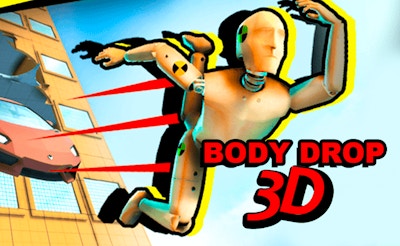
Body Drop 3D
Launch crash test dummies and watch the ragdoll physics. Maximize damage with limited balls.

Simulation
🏗️
Tower Blocks
Stack blocks to build the tallest tower. Precision placement.
Simulation
🚜
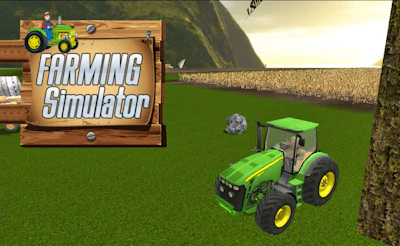
Farming Simulator
Grow crops and manage your farm. Harvest时节 for profit.